One  keypress, then back to work
Everything a screenshot needs, and nothing that slows it down.
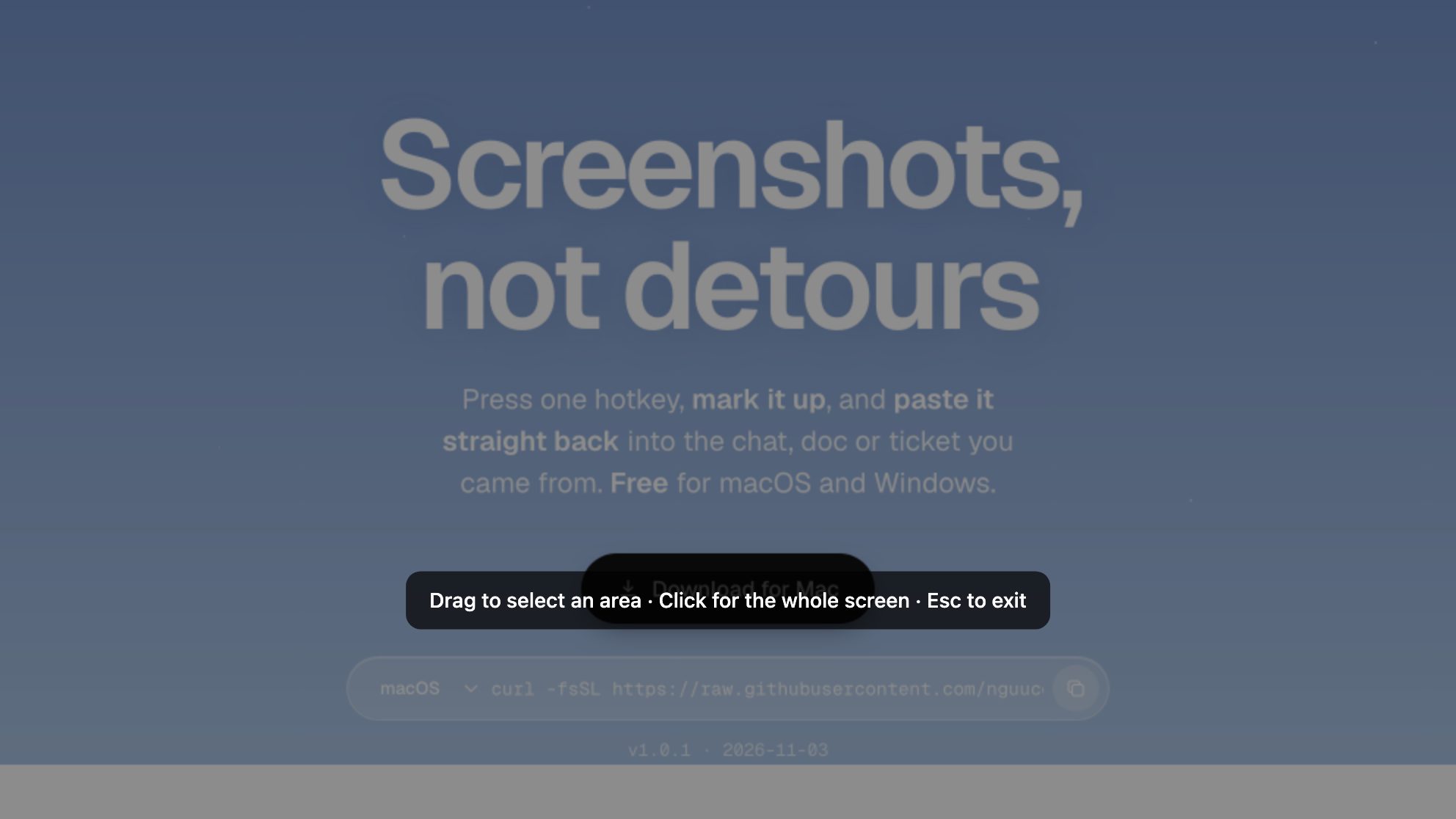
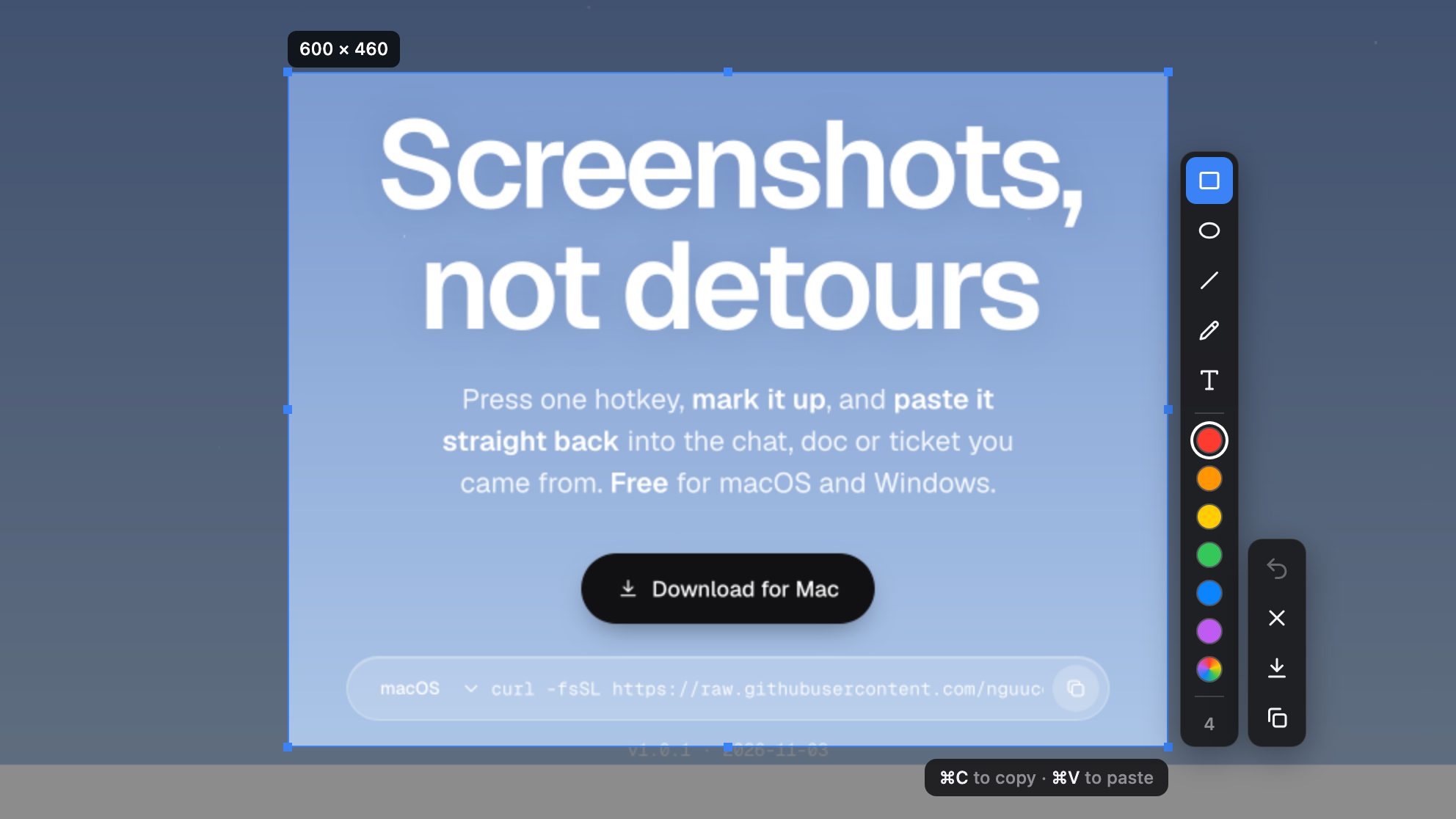
An area, a window or the full screen
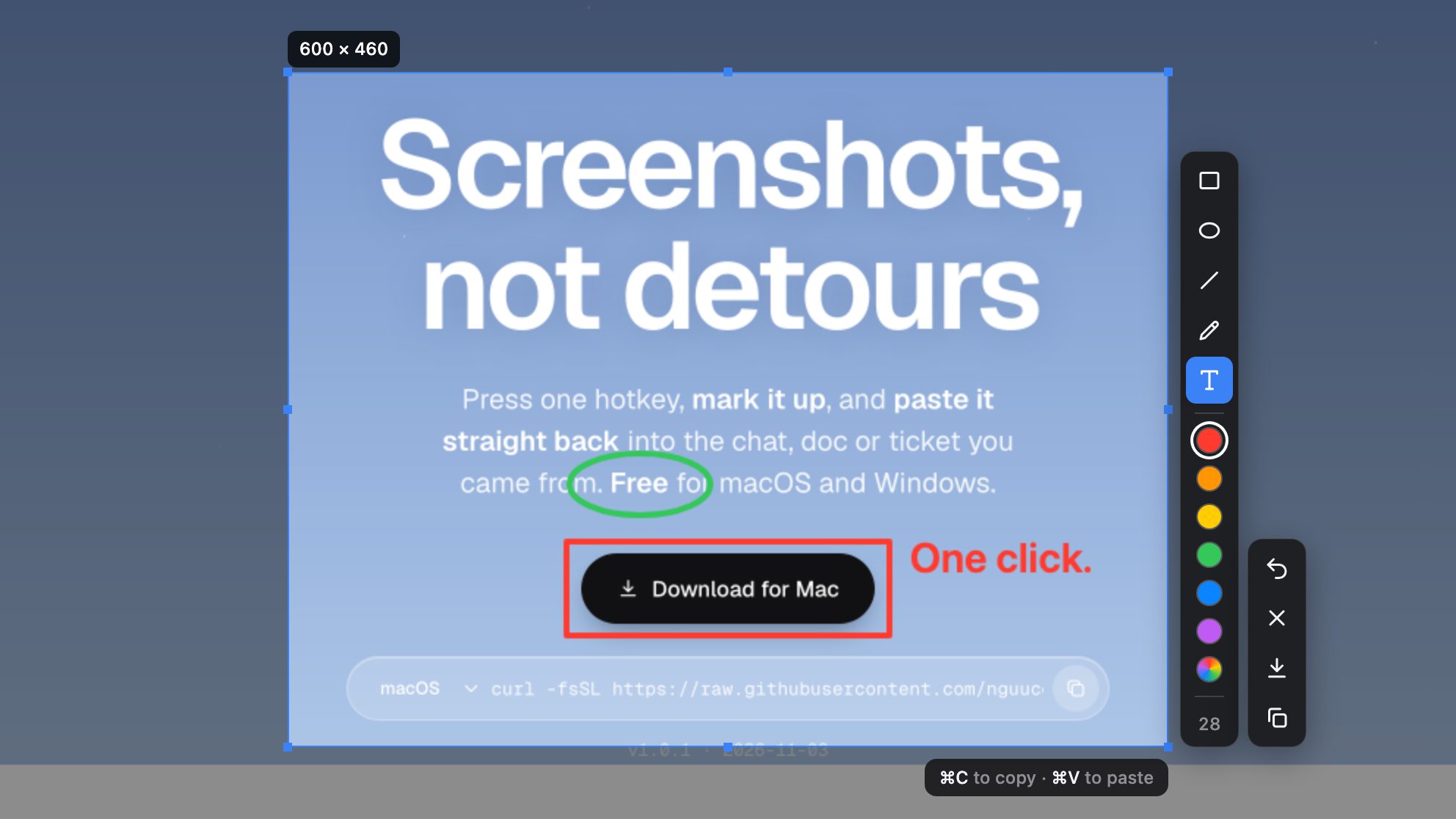
Five tools and six colours, sized with a scroll
Lands in the app you came from
Your screen stays on your machine
Opens on the keypress
The capture window is loaded before you need it, so the frame is there the moment you press.
Change your mind
Hover a shape and press ⌫ to remove it. Undo, redo, click text to edit it.
Free and open source
MIT licensed, no paid tier. Read the code, report an issue, or build it yourself.
Keys not menus
Every action has a key. On Windows, use Ctrl instead of ⌘. Full screen and window capture get their hotkeys in Settings.
Questions
Permissions, installs and updates.
Is it really free?
Yes. ShoreShot is open source under the MIT license. No paid tier, no account.
Why does macOS ask for Screen Recording?
Every app that reads the screen needs it. Turn on ShoreShot in System Settings › Privacy & Security › Screen & System Audio Recording, then choose “Quit & Reopen”.
Why does it ask for Accessibility?
Only for ⌘V, which pastes into another app for you. Copy, save and drawing work without it.
macOS says the app “is damaged”
The app is not notarized by Apple. The install command avoids this. If you used the .dmg, run this once:
xattr -cr /Applications/ShoreShot.app
Windows shows a SmartScreen warning
The installer is not code-signed. Click More info › Run anyway, or use the PowerShell command.
How do I update?
Run the install command again. ShoreShot also tells you when a new version is out.
How do I uninstall?
macOS:
curl -fsSL https://raw.githubusercontent.com/nguucode/shoreshot/main/scripts/install.sh | bash -s -- --uninstall
Windows (PowerShell):
& ([scriptblock]::Create((irm https://raw.githubusercontent.com/nguucode/shoreshot/main/scripts/install.ps1))) -Uninstall